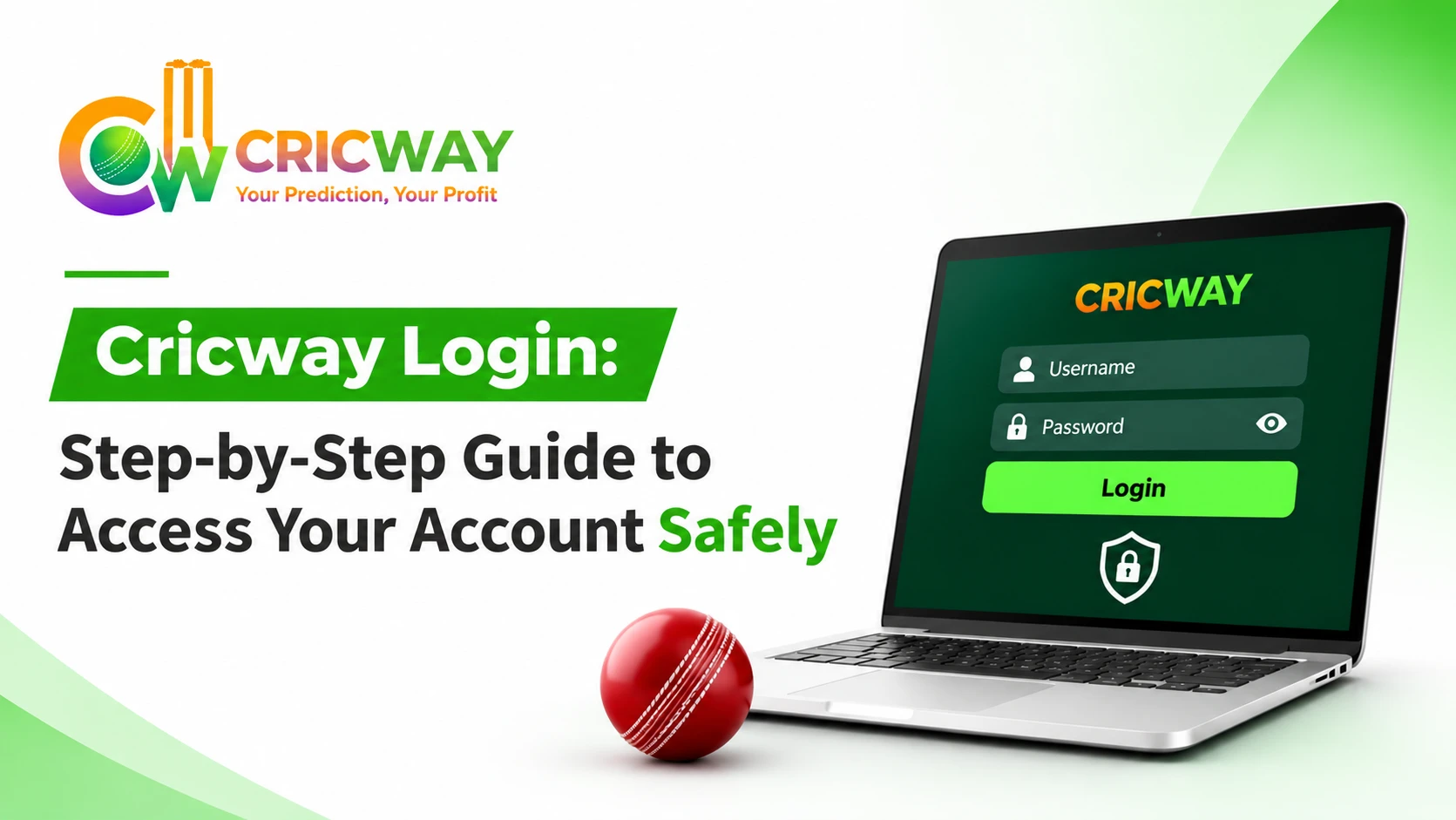

You have a match starting in five minutes, your phone is in your hand, and the sign-in page just shows an error. It is a small problem, yet it can ruin the mood fast. The Cricway login itself is simple. Go to cricwaygame.com, enter the details you registered with, and your dashboard opens. Below, you will find each step, the errors people run into most often, and a few habits that keep your account safe.
How to Do Cricway Login on the Official Website
Here is the full process, from start to finish.
- Open your browser and type https://cricwaygame.com/ in the address bar.
- Tap the login button on the homepage.
- Enter your registered details in the fields shown.
- Check what you typed, then confirm.
- Give the page a moment to load. Moreover, your dashboard appears next.
A few things make this smoother. Likewise, keep a stable internet connection, have your registered mobile number or email nearby & use an updated browser. Also, type the address yourself or open it from a bookmark instead of tapping a link from a message. Fake pages often look very close to the real one, and a bookmark avoids that risk completely.
Cricway Login ID and Password: What You Need
Your login ID is the detail you chose when you registered. Together with your password, it proves the account is yours. Write it down somewhere private, because trying to recall it just before a match is stressful.
A good password matters just as much. Keep these points in mind:
- Use letters, numbers, and symbols together
- Make it long, since longer passwords are harder to guess
- Never copy a password you use on another site
- Skip obvious choices like your name or phone number
One more thing worth remembering: Cricway will never ask for your password in a call, email, or chat. If a person asks for it, that is a scam.
How to Create Your Account First: Cricway Sign Up Guide
If you have not registered yet, you cannot log in. The Cricway sign-up takes only a few minutes. Open the registration option on cricwaygame.com, add your basic details, and complete the verification. When the account is active, return to the login page and use the same information.
The platform is for people who are 18 years or older. In addition, enter your details correctly at the start. Password recovery and support requests both depend on that information, so a typo today can cause delays later.
Also Read: Cricway Admin Login: Official Access Guide, Safety Tips and Fixes
Cricway Login Problems and Quick Fixes
Sometimes the login fails even when you did everything right. The cause is usually minor.
- Wrong password message: Type it again slowly & check that Caps Lock is off. If the error continues, you should use the reset option.
- OTP not received: You should even look at your network signal & confirm the number is correct. Wait a little before asking for another code, because many requests in a row can slow things down.
- Page not loading: Clear your browser cache or update the browser. Opening the site in a different browser also helps.
- Account locked: Several wrong attempts can lock the account for a short time. Wait until it ends, then try again with the right details.
When nothing works, reach out to the Cricway support team through the official website. Tell them exactly what the screen says. A clear description lets them help you much faster than a vague message.
Cricway Forgot Password: How to Reset in 3 Steps
Forgetting a password happens to almost everyone. The reset is quick.
- Choose the forgot password option on the login page.
- Enter your registered mobile number or email and wait for the verification code.
- Type the code and create a new password that you have not used before.
Afterward, log in with the new password and keep it somewhere safe. A plain note on a shared device is not a good place. As long as you use the official page and keep the code to yourself, your data stays protected during the whole process.
Cricway Login App vs Website: Which Is Better for You?
Most cricket fans follow the game on their phones, so this question comes up often. The website works in any browser, needs no download, and does not take up phone storage. It is a good fit if you use more than one device.
An app-style setup can feel faster when you log in many times a day. Either way, use only the official Cricway source. Check cricwaygame.com for the options available right now, so you always get the latest and safest version.
How to Keep Your Cricway Account Safe After Login
Getting in is only half the job. What you do after that counts too.
- Check the URL before you type any details
- Avoid public Wi-Fi when you log in
- Log out on any shared or borrowed device
- Never share OTPs, even with someone who says they work for support
- Change your password now and then
Also, play responsibly. Decide your limits early, take breaks, and remember that the platform is meant for adults only. These habits protect your account, and they protect you as well.
Also Check: Cricway Sports Betting
Why Cricket Fans Choose Cricway: What You Get After Login
Once you are inside, Cricway keeps things easy to follow. Your dashboard gives you a clear starting point, and the layout lets you reach what you want without digging through menus. The platform puts easy access, clear navigation, and user safety first, so you can spend your time on the game instead of the site. After your Cricway login, take a few minutes to explore everything available to you.
Conclusion
Getting into your account should not feel like a task. Use the official website, keep your login ID and password handy, and follow the quick fixes whenever an error appears. Likewise, if you forget your password, reset it right away. Moreover, you should protect your details after every session & play responsibly. A smooth Cricway login keeps you close to the game you enjoy. Visit cricwaygame.com and complete your Cricway login today.
FAQs
Is Cricway login free?
Yes. Logging in to an existing account only needs your registered details.
Can I log in on multiple devices?
You can access your account from different devices. Just remember to log out from shared ones.
What if I changed my mobile number?
You can even contact the support team through the official website & they will explain how to update it.